
Subscriptions Overview
The Subscriptions page lists every recurring billing record across your account — those created from payment links, from HighLevel, from direct API calls, and from your own portal.
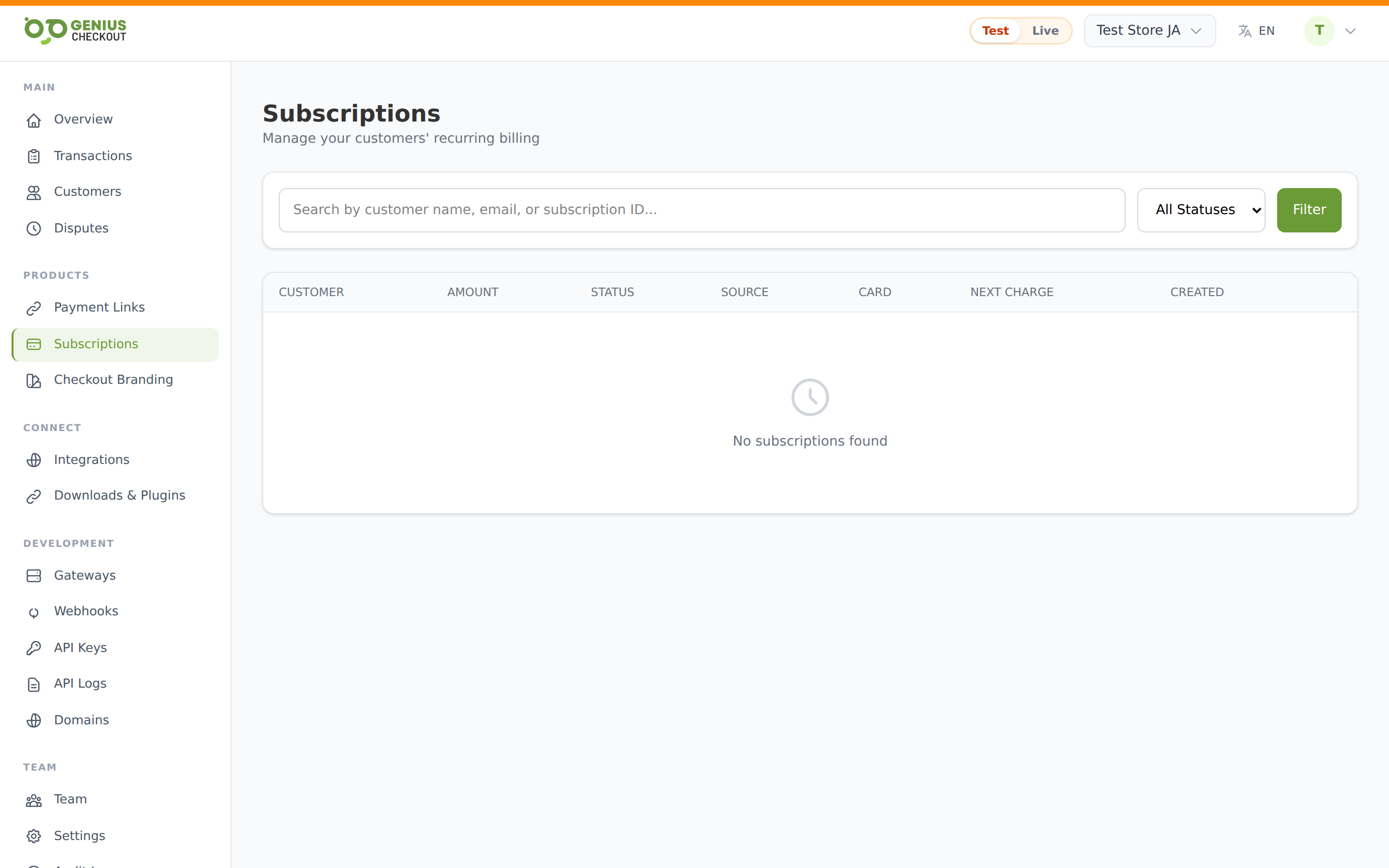
The list
Each row shows the buyer's name + email, recurring amount + interval, status, source chip (where it came from), card brand + last 4, next charge date, and creation date. Click any row to open the detail page.
Filters
Above the table:
- Search — type two or more characters and press Enter to match against the buyer's name, email, or subscription external ID.
- Status dropdown — filter to one of: All / Active / Trial / Past Due / Paused / Canceled / Expired.
- Filter button — re-runs the query with current values.
- Clear — resets both filters.
The portal's Test/Live mode pill applies to subscriptions just like everywhere else — switching modes re-scopes the list.
Statuses
| Badge | Meaning |
|---|---|
| Trial | Within the trial window — no charges yet, card is on file. |
| Active | Charging on schedule. |
| Past due | Last renewal attempt failed; in dunning. |
| Paused | Renewals temporarily suspended. No charges occur until you resume. |
| Canceled | Ended at your or the buyer's request. No further charges. |
| Expired | Reached the configured total cycles cap and ended naturally. |
| Scheduled | Created but not yet active (first charge in the future). |
Source chip
The Source column tells you where the subscription was created. This matters because cancellations and updates may need to propagate back to the upstream system.
| Chip | Source | Notes |
|---|---|---|
| HighLevel | Created from a GHL recurring product checkout. | Cancellations sync back to GHL via outbound webhook. |
| Payment Link | Created when a buyer paid a subscription link. | Click through on the detail page to see the originating link. |
| API | Created via direct API call. | |
| Direct | None of the above (manual creation or pre-source-tracking). |
Per-row action
Each row has an inline Cancel link on the right (hidden once the subscription is already canceled or expired). Clicking it opens the same cancel modal as the detail page — you enter an optional reason and confirm.
Pagination
Subscriptions paginate at the bottom — Previous / Next buttons step through pages, with a "Page X of Y" indicator on the left.