
Subscription payment link
A subscription link charges the buyer once at signup, saves their card, and bills them again on a schedule you define. Use it for memberships, SaaS subscriptions, weekly delivery boxes, annual renewals.
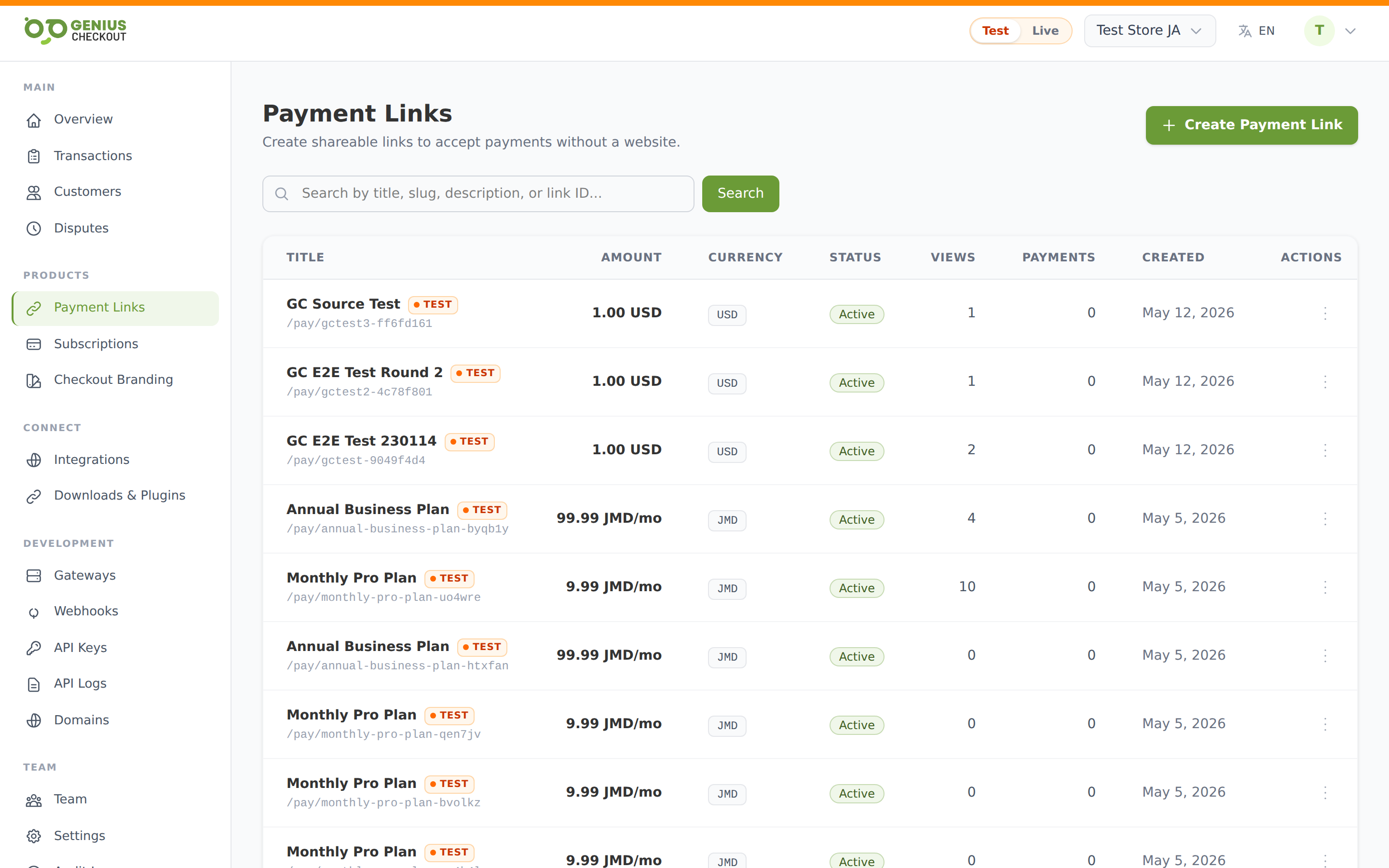
Create one
From Payment Links, click Create payment link and pick Recurring subscription as the amount type. A subscription settings panel appears under the amount type selector.
Subscription settings
| Field | What it does | Required |
|---|---|---|
| Recurring amount | Per-cycle charge (e.g. 29.99 for $29.99/month). | Yes |
| Billing interval | day, week, month, or year. | Yes |
| Every N intervals | Default 1. Set 3 + interval=month for quarterly. Set 2 + interval=week for bi-weekly. Range 1–365. | No |
| Trial days | Days of free access before the first real charge. Range 0–365. Leave blank for no trial. | No |
| Setup fee | One-time charge added to the first invoice in addition to the recurring amount. | No |
| Total cycles | Hard cap on number of renewals. Leave blank for unlimited (until the buyer cancels). E.g. 12 + interval=month = 12-month commitment then auto-end. | No |
What happens at checkout
- Buyer enters their card and confirms.
- If there's a setup fee, the first charge is
setup_fee + recurring_amount(or justsetup_feeduring a trial). - If there's a trial, the first recurring charge is deferred until
trial_daysfrom now — the buyer's card is tokenised but not charged. - Genius Checkout creates a subscription record with status
active(ortrial) and saves it under the buyer's customer profile.
Ongoing renewals
The system attempts the next charge at each renewal date automatically. You don't have to do anything — the saved card token is reused.
- Successful renewal → subscription advances to the next cycle,
completed_cyclesincrements. - Failed renewal → the subscription enters
past_dueand goes into dunning — retries on day 1, day 3, and day 7 before the system gives up. - Total cycles reached → subscription auto-completes with status
expired.
Editing a subscription link
You can change the recurring amount, interval, trial, and setup fee from the link's edit page. Changes only affect new signups — existing subscribers keep the price and schedule they signed up under. To change an existing subscriber's amount, edit their subscription directly from Subscriptions.
Gateway must support tokenization
Subscription links can only run on gateways that support card tokenization. Check the Available Gateways tile capabilities chips on the Gateways page — look for the Tokenization chip.