
Past-due & dunning
A subscription enters past_due when an automatic renewal charge fails. Genius Checkout retries on a fixed schedule before giving up — this page explains what's happening, what the buyer sees, and what you should do.
Why renewals fail
The most common reasons, in rough order of frequency:
- Insufficient funds — card declined for amount. The buyer needs to top up or use a different card.
- Expired card — the saved card has passed its expiry date. Buyer must update their card.
- Card cancelled / replaced — buyer's bank reissued the card; old token no longer valid.
- SCA required — issuer wants 3DS re-authentication for this MIT charge. The standard retry loop is skipped for SCA failures because re-charging the same card with the same merchant-initiated path won't change the outcome. The subscription stays
past_dueuntil a buyer-facing re-auth flow is available (Phase 2). - Issuer fraud block — the bank flagged the renewal. Resolution requires the buyer contacting their bank.
Retry schedule
When a charge fails, the system records dunning_attempts = 1 and schedules a retry. The cadence is:
| Attempt # | Retried after | Cumulative time since first failure |
|---|---|---|
| 1 (the original failure) | — | 0 |
| 2 | 1 day | 1 day |
| 3 | 3 days | 4 days |
| 4 | 7 days | 11 days |
| Give up | no further retry | — |
After the fourth failure the subscription stays past_due indefinitely — it does not auto-cancel. You can cancel it manually from the detail page or wait for the buyer to update their card.
If any retry succeeds, dunning_attempts resets to 0 and the subscription returns to active.
What the buyer experiences
- First failure — the buyer receives the past-due notification email (subject + content depend on your notification preferences).
- Subsequent retries — silent — no further email until status changes again.
- Recovery — when a retry succeeds, the next renewal proceeds on the original schedule. No make-up charge is issued for the skipped period unless you do it manually.
Cards expiring soon
Genius Checkout sends a "card about to expire" reminder a few days before the listed expiry date so the buyer can update before a real failure happens. This pre-dunning step typically catches the majority of would-be expiry failures.
Where past-due alerts appear in the portal
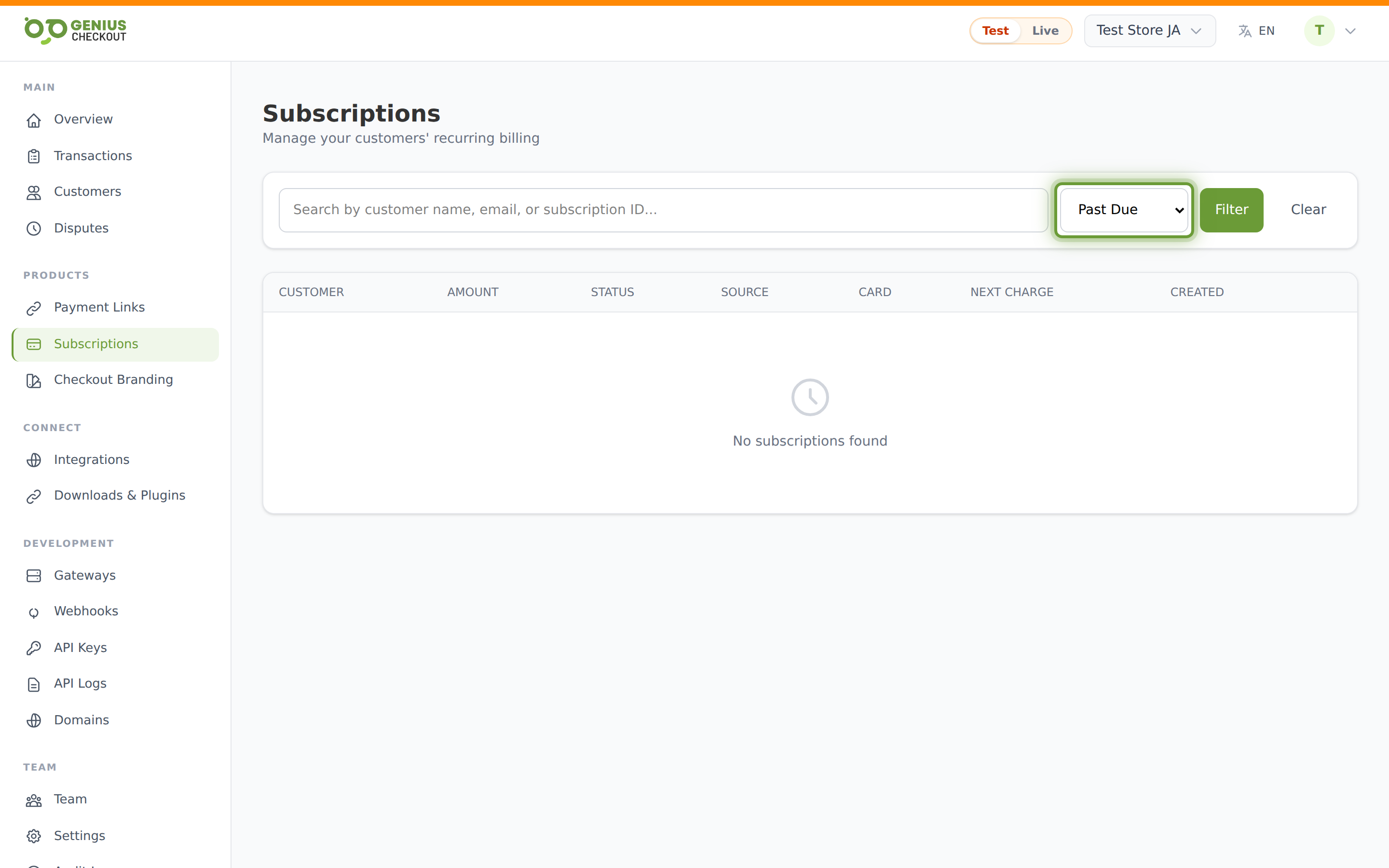
- Subscriptions list —
Past duered badge on the row. - Filter dropdown — pick Past Due to see only affected subscriptions.
- Detail page — the Details grid shows Dunning attempts: 1, 2, 3, or 4.
- Event timeline — every
charge_failedevent is logged with timestamp and failure reason. - Dashboard — past-due totals appear in the alerts widget.
What you should do
| Situation | Recommended action |
|---|---|
past_due, attempts = 1 | Wait — the retry loop will probably recover it within a week. |
past_due, attempts = 4 (terminal) | Contact the buyer asking them to update their card. |
| Many past-due subs at once | Check the Gateways page — a credential issue or gateway outage can cause batch failures. |
| Past-due with reason "SCA required" | Manually reach out to the buyer; the standard retry won't help here. |
Next steps
- Subscription Lifecycle — cancel, pause, swap card
- Decline Codes — developer-facing reference for every failure reason