
API Logs
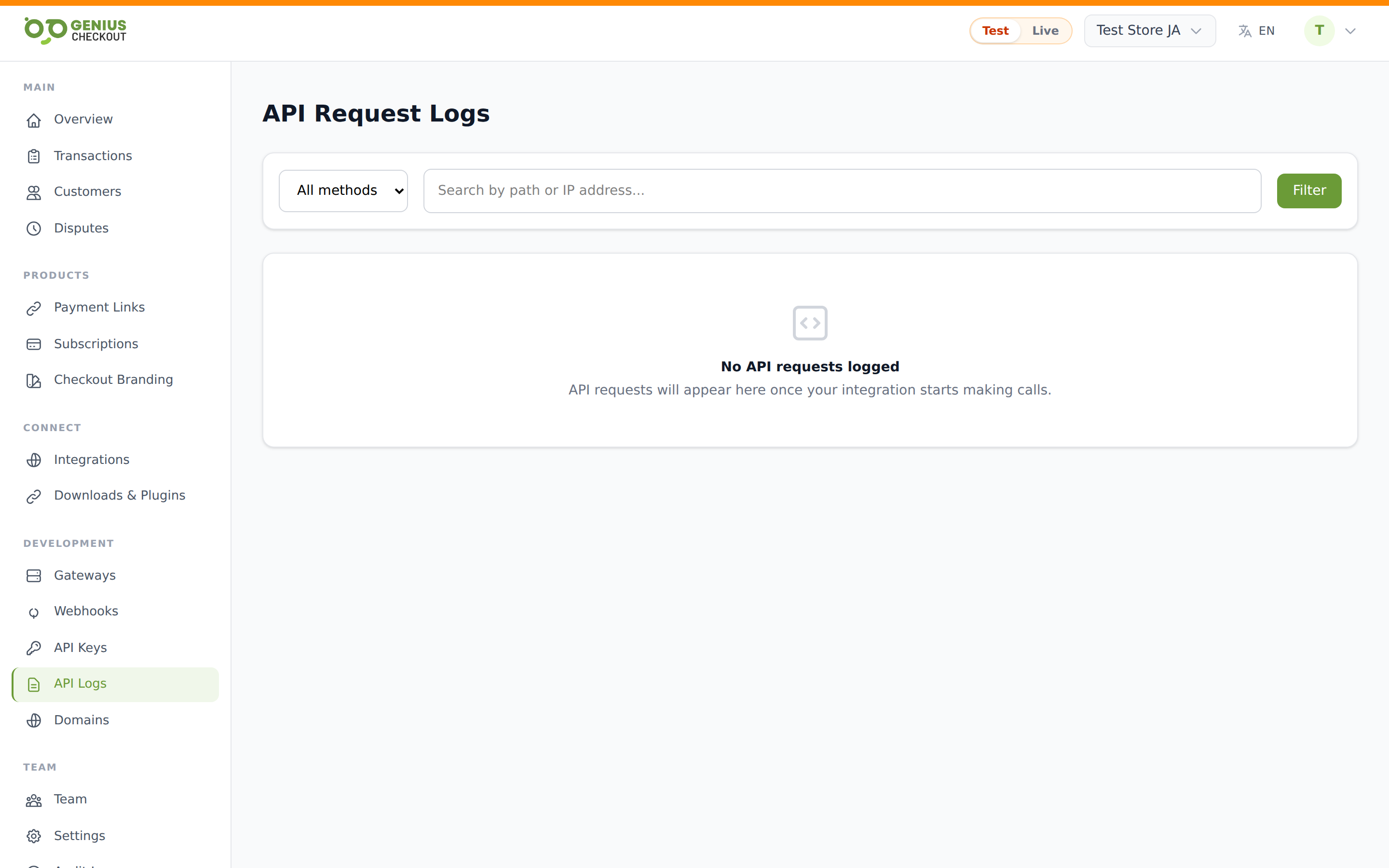
The API Logs page records every authenticated /api/v1/* request made against your merchant account in the last 90 days. Open it from Developer → API Logs.
This is the fastest way to answer "is the plugin / script / integration actually reaching us?" or "why is this script seeing a 422?".
What gets logged
Every request that came in carrying one of your API keys (live or test). Each row captures:
- Method —
GET,POST,PUT,PATCH,DELETE - Path — the URL path, e.g.
/api/v1/checkout-sessions - Response status — HTTP status code we returned
- Duration — server-side processing time in milliseconds
- IP — the originating IP address
- Time — request timestamp in your timezone
Requests that failed authentication (bad or missing key) are not logged here — those land in the security audit log instead.
Filters
The filter bar at the top supports:
- Method dropdown — narrow by
GET/POST/PUT/DELETE - Search — partial match against path or IP address. Minimum 2 characters. Useful for tracing every call from a specific WordPress host or every hit against a specific endpoint.
Press Enter or click Filter to apply. Results paginate at 50 rows per page.
Status colour coding
The status column is tinted so you can scan failures fast:
- Green —
2xxsuccess - Brand green —
3xxredirect (rare on the API) - Yellow —
4xxclient error (validation, auth, not found) - Red —
5xxserver error (escalate to support if these aren't transient)
Redaction of sensitive fields
We do not store request or response bodies in this log — only the metadata above. Even if we did, card PAN, CVV, and the Authorization header value would be redacted before persistence. This is intentional: the log is a routing audit, not a payload archive.
If you need to see the actual request body that hit us, capture it on your side before the request leaves your system. For payment payloads, the receipt and transaction detail pages have everything you need.
Retention
API logs are retained for 90 days, then permanently deleted by the nightly prune job. Export anything you need to keep beyond that window via the CSV export on transactions (which carries the same operational data) or pipe payment.* webhooks into your own warehouse.
Common questions this page answers
- Is my plugin reaching us? — search the path your plugin posts to (e.g.
checkout-sessions). No rows = the request never arrived. - Why does my script see 422? — filter to
POSTand search by path. The duration tells you whether we were quick to reject (validation, < 50 ms) or slow to fail (gateway timeout, > 5 s). - What IP is this integration calling from? — sort by Time and look at the IP column. Useful if you need to allowlist our calls on your side.