
Handling Disputes
A dispute (also called a chargeback) is when a buyer's bank reverses one of your captures and asks you to justify it. The Disputes page (sidebar → Main → Disputes) is where you respond. This page covers the list, the detail, the evidence flow, and the lifecycle states.
The Disputes list
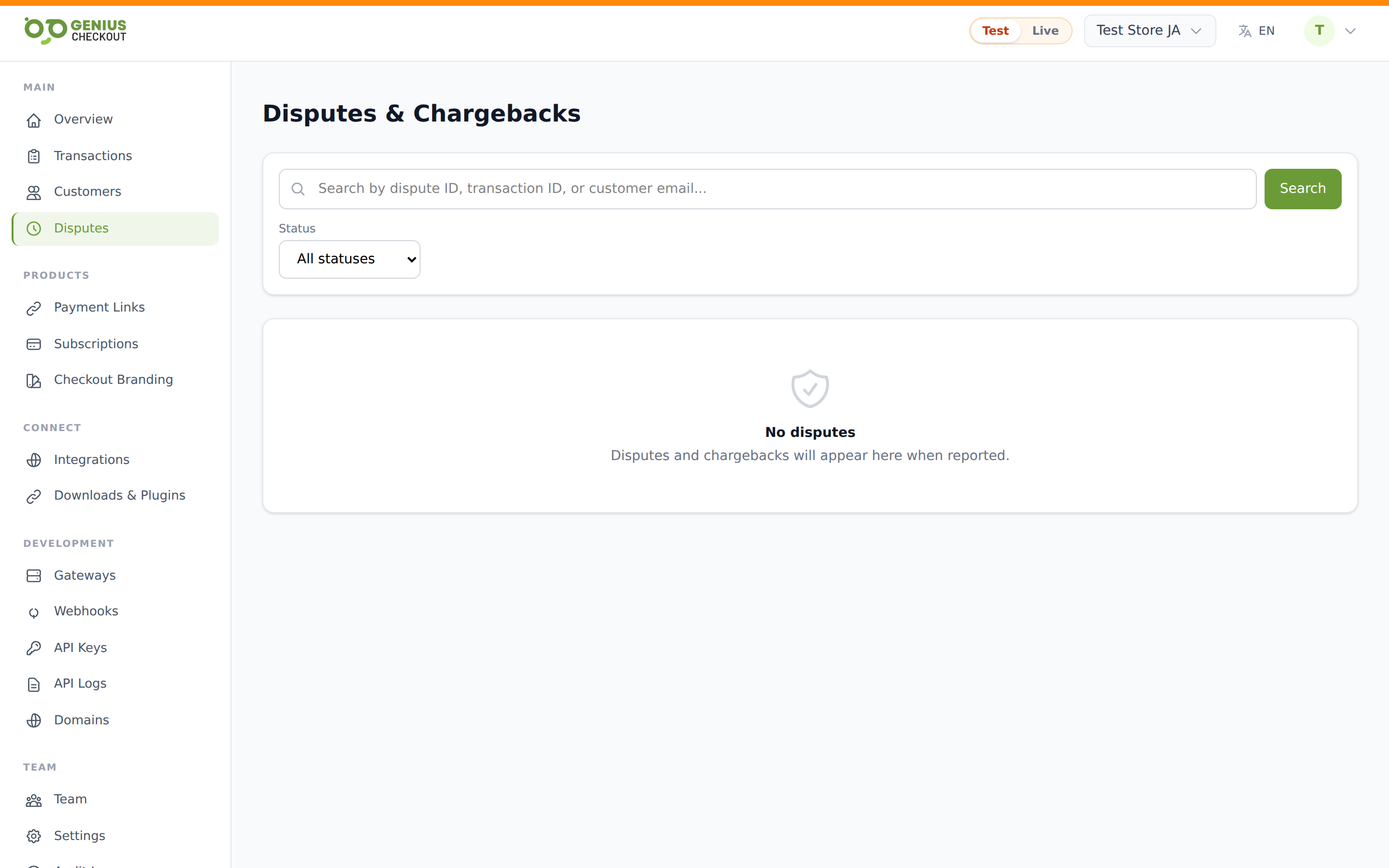
The list shows every dispute on the merchant in the current mode, with:
- External ID — the dispute identifier.
- Status — a coloured pill (see lifecycle below).
- Reason — the bank's stated reason code, if provided.
- Amount — the disputed amount and currency.
- Due date — the deadline by which you must submit evidence.
- Created — when the acquirer notified us.
You can filter by status and free-text search by id or related transaction.
The dispute detail page
Click any row to drill in. The page has four blocks:
- Dispute info — amount, reason, due date, created date. If we can link the original transaction, it shows below with the transaction's external id, amount, and customer email.
- Merchant notes — a free-text scratch pad you can use to record your investigation. Click Save notes to persist.
- Evidence upload — attach a file (PDF, screenshot, proof-of-delivery, communications, etc.). Once uploaded, the page shows confirmation.
- Status pill — top right, reflects the current lifecycle state.
Dispute lifecycle
The status flows in roughly this order:
| Status | Meaning |
|---|---|
| Open | The acquirer notified us; you have until the due date to submit evidence. |
| Under review | Evidence submitted; waiting on the issuing bank to decide. |
| Won | The issuer ruled in your favour. Funds are returned. |
| Lost | The issuer ruled against you. The buyer keeps the credit; you pay the chargeback fee on top. |
| Expired | The due date passed without evidence; the dispute is treated as lost. |
WARNING
Disputes you don't respond to are auto-lost when the due date elapses. Even a weak rebuttal is better than no rebuttal — submit something.
Evidence checklist
What helps your case depends on the reason code, but the categories that consistently win:
- Proof of delivery — tracking number, signature, photo. Critical for "item not received" claims.
- Service rendered — login records, attendance, completion certificate.
- Customer authorisation — the original receipt, the email confirming the order, signed contracts.
- Refund history — if you already refunded, the refund id helps the bank dismiss as duplicate.
- 3-D Secure record — if the original payment cleared 3-D Secure, that's strong evidence the cardholder authenticated.
The single PDF upload field accepts one consolidated document. Combine your evidence into one PDF before uploading.
What we do automatically
When the acquirer notifies us of a new chargeback, the platform:
- Creates the Dispute record and links it to the original transaction.
- Sets the due date based on the acquirer's published representment window.
- Emits a
dispute.createdwebhook so your internal systems (CRM, fraud tool, helpdesk) can pick it up. - Sends an email notification to merchant admins (depending on Notification Preferences ).
If the dispute later moves to won or lost, we emit dispute.won or dispute.lost and update the related transaction's status accordingly.
INFO
We don't auto-submit evidence. Even if a transaction has a strong 3-D Secure record, you still need to upload your case and any extra context.
Permissions
All authenticated team members can view disputes. Submitting evidence and saving notes are write actions — confirm with your account admin if a button is missing for you.