
Captures & Voids
By default, payments through Genius Checkout settle automatically (auth + capture in one step). For merchants using separate auth/capture — typical for ship-when-you-pack workflows, or for ride-hailing-style estimates that finalize later — this page explains how the two-step flow appears in the portal.
When an auth happens
A transaction sits in authorized status when:
- Your gateway config has
capture_methodset tomanual, or - The integrating platform (HighLevel, WooCommerce, your custom API call, etc.) explicitly requested an auth-only capture.
While authorized, the buyer's bank has placed a hold on the funds. Money has not moved.
Capture vs Void
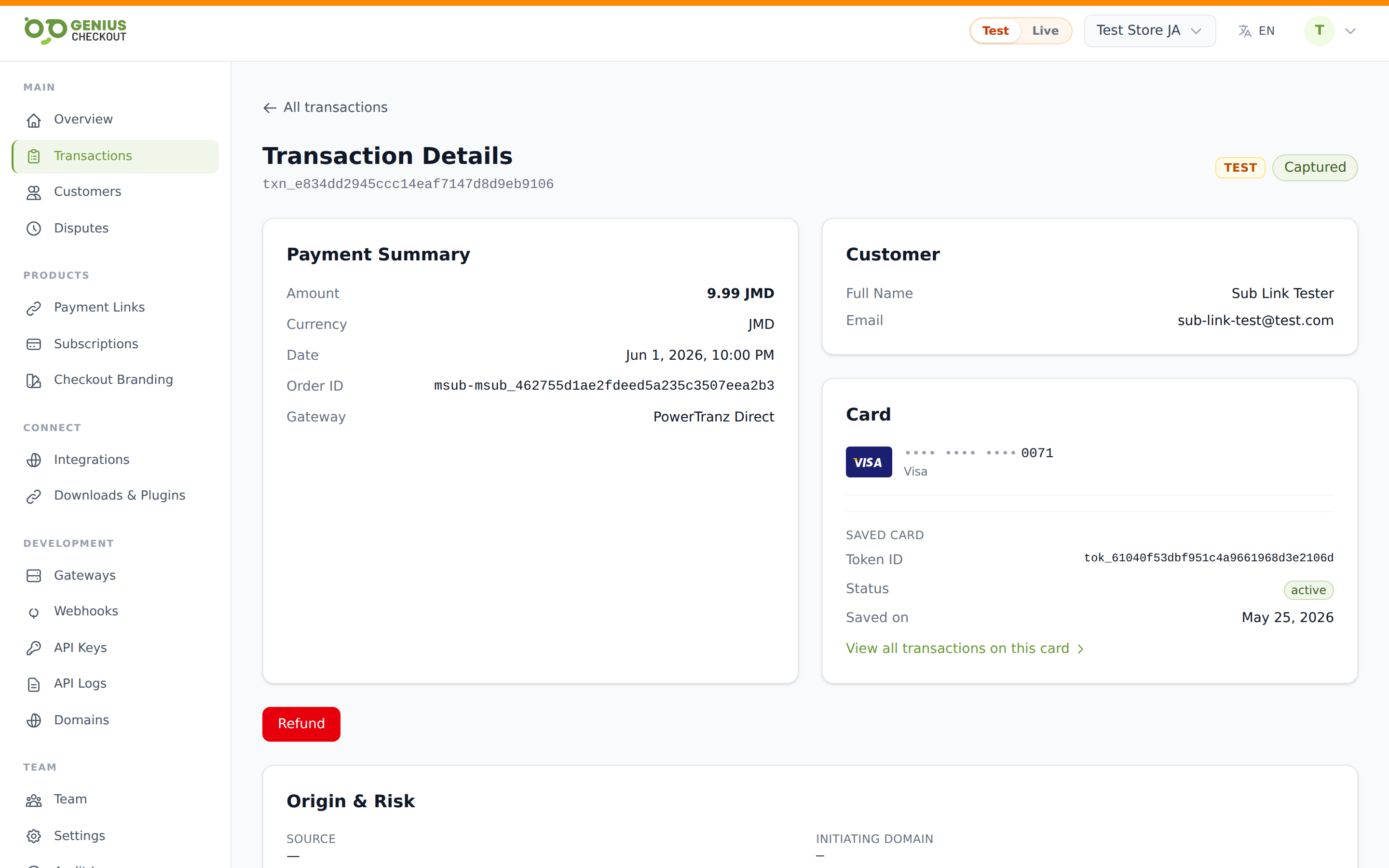
From the transaction detail page, an authorized transaction shows two buttons:
- Capture payment (green) — settles the hold. Money moves to your acquirer; status becomes
captured. - Void (red) — releases the hold without settling. Status becomes
voided. No fees, no money movement.
Rule of thumb
- Goods shipped or service rendered? Capture.
- Order cancelled, fraud suspected, or buyer asked to undo? Void.
Voids are cheaper than refunds because the money never moves. If you've already captured by mistake, you can't void anymore — you have to refund instead.
Auth expiry
Auths don't sit forever. Most card networks expire the hold after 7 days, although the exact window varies by card brand and acquirer. After expiry, the auth is no longer captureable — you'll have to start a new transaction.
WARNING
If you can't capture before the auth expires, you'll see a capture event in the timeline ending in failure, and the transaction status remains authorized until the gateway formally marks it expired. Plan your fulfillment window so it comfortably fits inside the auth life.
Partial captures
Some gateways and card networks allow you to capture less than the authorized amount — useful when you authorized for an estimate and the final total comes in lower.
The Capture button on the transaction detail page captures the full authorized amount in the current portal UI. Partial captures, where supported, are surfaced through the API. See the Payment Flow developer doc for the call shape.
Permission requirements
Both Capture and Void require the capture_transactions / void_transactions permission, which is granted to Owner, Admin, and Finance roles. See Team Members & Roles.
Webhook events emitted
transaction.captured— fires after a successful capture.transaction.voided— fires after a successful void.
Both carry the full transaction payload. See the webhook events catalog for field-level details.
Common confusions
- Capture doesn't reach out to the buyer. They don't get a fresh authorization prompt — the hold from the original auth is converted to a settlement.
- You cannot capture more than the authorized amount. If the final price is higher, void the original auth and re-authorize.
- A voided auth disappears from the buyer's bank statement. Most banks remove the pending entry within 24–48 hours, though slower banks can take a week.