
HighLevel (GHL)
Genius Checkout installs into HighLevel (also branded LeadConnector) as a custom payment provider, so funnels, order forms, and recurring products charge through PowerTranz, MPGS, or any other gateway you've configured. This is our most-used integration.
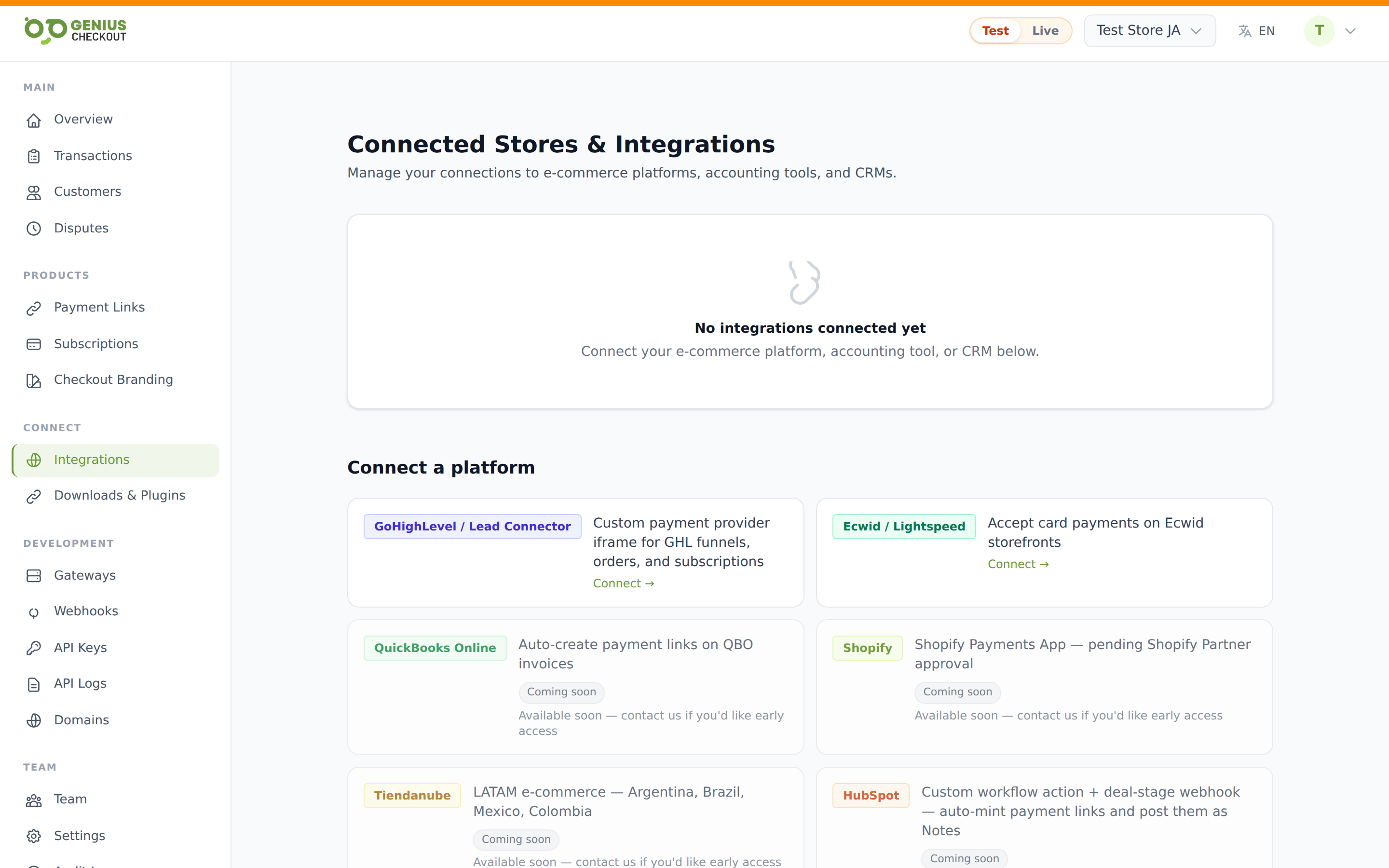
Install from the HighLevel marketplace
HighLevel marketplace apps must be installed from the marketplace listing, not via direct OAuth links. From the merchant portal, click Connect on the HighLevel card — we'll open the official Genius Checkout listing on marketplace.gohighlevel.com in a new tab. From there:
- Click Install on the listing page.
- HighLevel asks you to choose which sub-account to install into. Pick one.
- You're redirected to our OAuth consent screen — review the scopes, click Allow.
- HighLevel bounces you back into the sub-account. A new tile appears under Settings → Payments → Integrations called Genius Checkout.
Don't paste /lc/install directly into a browser
That URL is the OAuth callback target HighLevel calls during the marketplace install flow — not a standalone install entrypoint. Hitting it from a logged-out browser shows HighLevel's "app not available for direct install" error. Always start from the marketplace listing.
Opening the Genius Checkout configuration
From inside the sub-account where Genius Checkout is installed:
- Open Settings → Payments → Integrations.
- Find the Genius Checkout tile and click Manage (older versions of the dev console label this button Configure).
- The Genius Checkout configuration app loads in the platform iframe. We recognise your location via the postMessage SSO handshake and silently log you in — no second password.
- Open the Settings tab and configure gateways, branding, and other per-location preferences.
Agency-view users
If you're signed in at the Agency level instead of inside a specific sub-account, click Sub Account View at the top of the page after Manage opens, pick a sub-account, and then open the Settings tab. Configuration is always scoped per sub-account.
What gets auto-configured
The OAuth callback does everything for you:
- Creates an
IntegrationConnectionrow scoped to your HighLevel location ID. - Provisions a
gc_live_…andgc_test_…API key pair encrypted on that row. - Registers Genius Checkout as a payment provider in HighLevel via their Custom Provider Connect API.
There's nothing else to paste back. On the Genius Checkout side, the connection shows up under Integrations → HighLevel (GHL) with status Connected.
Test mode vs live mode
The iframe respects your portal-wide Test mode vs Live mode toggle. Switch to test mode and HighLevel will route checkout attempts through the gc_test_… key against your sandbox gateway credentials. Switch back to live to take real cards. See Test Mode vs Live Mode.
Subscriptions
Funnel and order-form recurring products are supported — when a buyer subscribes, we tokenize the card during the first charge and store a payment token tied to your HighLevel subscription. Renewals charge that token. The integration sends back subscription_id on each charge so the cycle stays linked.
Mixed carts not yet supported
A cart that mixes a one-off line and a recurring line in the same checkout currently isn't supported end-to-end. The one-off captures fine; the recurring leg can fail to bind. Open ticket — contact support if you hit this.
Managing per-location settings
The Genius Checkout settings panel on the integration detail page intentionally has no fields. All per-location configuration (gateway selection, descriptor, branding) lives inside the LeadConnector iframe — open the Genius Checkout custom page from HighLevel's Payments → Integrations panel.
Disconnecting
Use the HighLevel marketplace to uninstall, or Disconnect from the integration detail page. Both stop the payment provider from accepting new charges; existing subscriptions stop renewing once disconnected.