
Powertranz setup
Genius Checkout supports:
- Powertranz Direct — the buyer enters card details on the Genius Checkout payment page.
- Powertranz Hosted Payment Page — Powertranz or First Atlantic Commerce (FAC) hosts the card-entry page.
Both integrations use the Powertranz API, but Hosted Payment Page requires additional portal configuration.
Choose Direct or Hosted Payment Page
| Powertranz Direct | Powertranz Hosted Payment Page | |
|---|---|---|
| Card entry | On the Genius Checkout page | On the processor-hosted page |
| Typical PCI scope | Greater scope; commonly SAQ A-EP | Lower scope; commonly SAQ A |
| Saved cards and subscriptions | Supported when tokenization is provisioned | Not supported by this Genius Checkout integration |
| HPP PageSet and PageName | Not required | Required for Test and Live |
| Payment action | Authorize Only or Authorize & Capture | Authorize Only or Authorize & Capture |
| Best fit | On-site checkout, tokenization, and subscriptions | Processor-hosted card entry and lower PCI scope |
Confirm PCI scope
Your acquirer or Qualified Security Assessor determines the final PCI DSS requirements for your business.
What the bank or Powertranz gives you
Request a separate package for Test and Live:
| Item | Where it goes |
|---|---|
| Powertranz ID / Merchant ID | Powertranz Merchant ID |
| Powertranz Password / Processing Password | Processing Password |
| Enabled currencies and cards | Accepted currencies and gateway appearance |
| Enabled services | 3-D Secure, AVS, fraud screening, tokenization, refunds, and other capabilities |
| Merchant portal access | Used for transaction reporting and, when enabled, Hosted Payment Page administration |
| HPP PageSet and PageName | HPP-only fields |
| Portal type | First Atlantic Commerce or Powertranz |
The portal login password and Processing Password are different credentials. Enter only the API Processing Password in Genius Checkout.
Powertranz's API also supports a conditional Gateway Key for merchant profiles that are specifically issued one. Genius Checkout does not display a Gateway Key field. If your onboarding package includes one, do not paste it into another field; contact Genius Checkout support before going live.
Configure Powertranz Direct
Open Gateways, select Powertranz Direct, and click Configure.
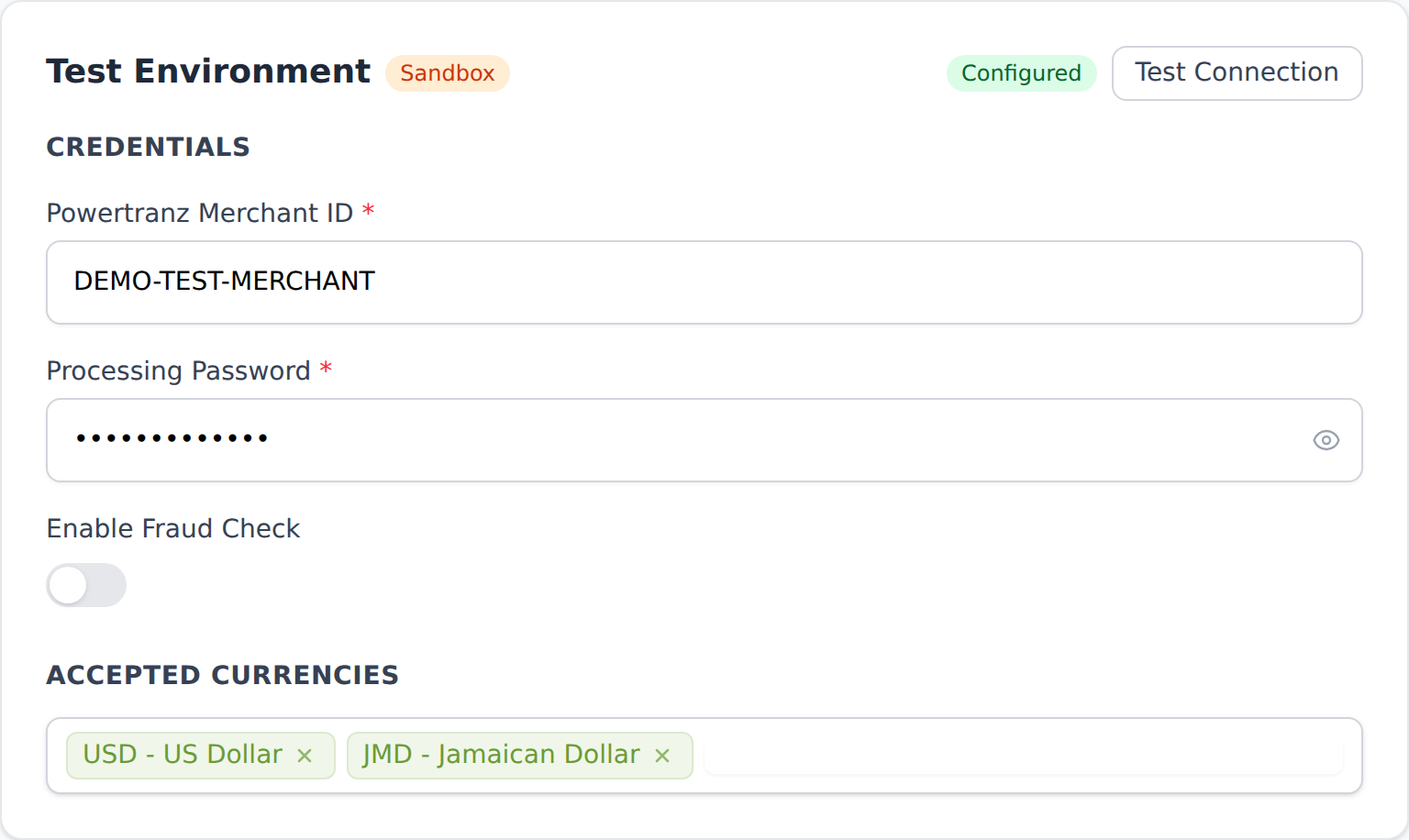
Complete Test and Live separately:
| Genius Checkout field | Enter this |
|---|---|
| Powertranz Merchant ID | Exact Test or Live Powertranz ID issued for that environment |
| Processing Password | Matching API Processing Password |
| Enable Fraud Check | Enable only if the fraud service is provisioned for that profile |
| Accepted currencies | Only the currencies enabled on the matching merchant profile |
Genius Checkout routes Test transactions to https://staging.ptranz.com and Live transactions to https://gateway.ptranz.com. Do not place live credentials in the Test card.
Direct behavior
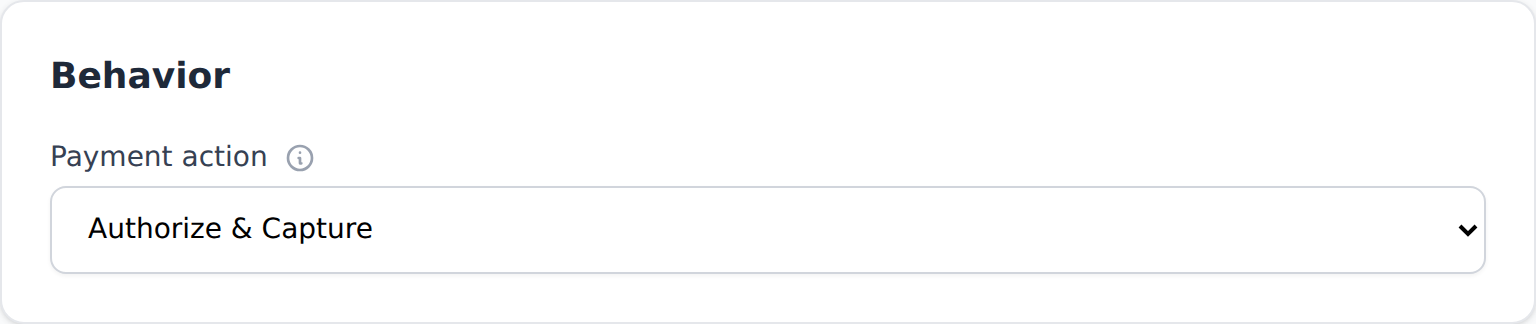
| Field | What it controls |
|---|---|
| Payment action | Authorize & Capture charges immediately. Authorize Only places a hold that must later be captured or voided. |
| Order Prefix | Up to five characters placed before the order reference sent to Powertranz. |
| Enable 3D Secure | Starts the Powertranz 3-D Secure flow. Enable only when the profile is provisioned for it. |
| Address Verification | Sends address-verification data. Enable only when AVS is supported by the acquirer and card market. |
| Enable Tokenization | Saves a processor token for later charges. Required for saved cards and subscriptions. |
Ask the provider which transaction operations are enabled:
- Authorize & Capture uses a Sale flow.
- Authorize Only uses an Auth flow; capture or void it before the authorization expires.
- A captured transaction is refunded.
- An uncaptured authorization is voided.
Configure Powertranz Hosted Payment Page
Before configuring HPP, ask FAC or Powertranz to enable Hosted Payment Page on both Test and Live merchant profiles.
In the merchant portal, create or obtain the hosted page:
- Open the Hosted Payment Page administration area.
- Create a page from the provider's supported card-details template.
- Keep every required card field in the page.
- Apply your branding and save.
- Record the exact PageSet and PageName.
- Repeat in the Live portal; Test HPP values normally do not work in Live.
If your provider manages the page for you, request the PageSet and PageName in writing.
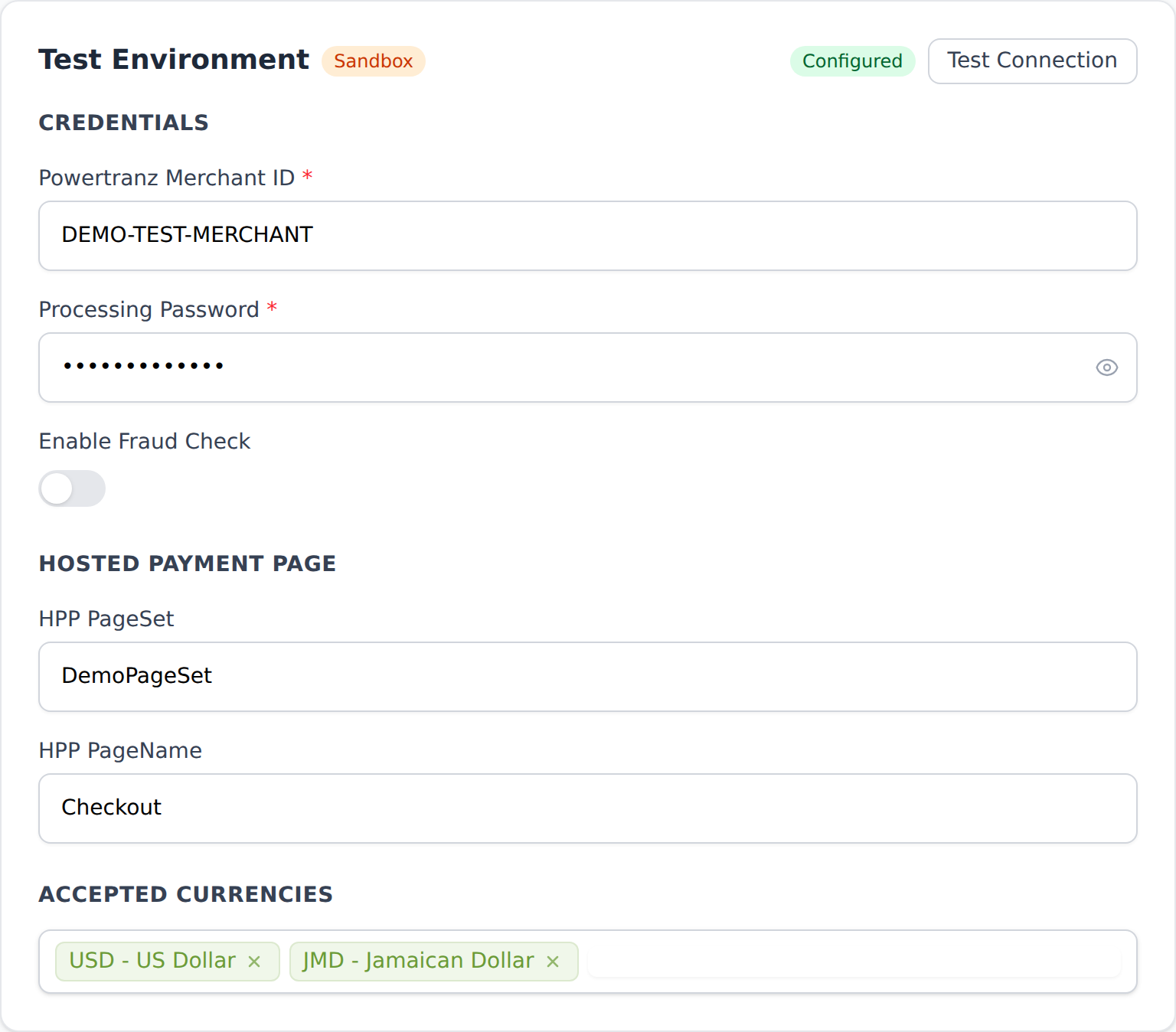
HPP field mapping
| Genius Checkout field | Enter this | Source |
|---|---|---|
| Powertranz Merchant ID | Test or Live Powertranz ID | Provider onboarding |
| Processing Password | Matching API Processing Password | Provider onboarding |
| HPP PageSet | The bare PageSet exactly as shown in the portal | Hosted Payment Page configuration |
| HPP PageName | Exact page name, including capitalization | Hosted Payment Page configuration |
| Portal | First Atlantic Commerce or Powertranz, based on where the profile is administered | Provider onboarding |
| Accepted currencies | Currencies enabled for the profile and hosted page | Provider onboarding |
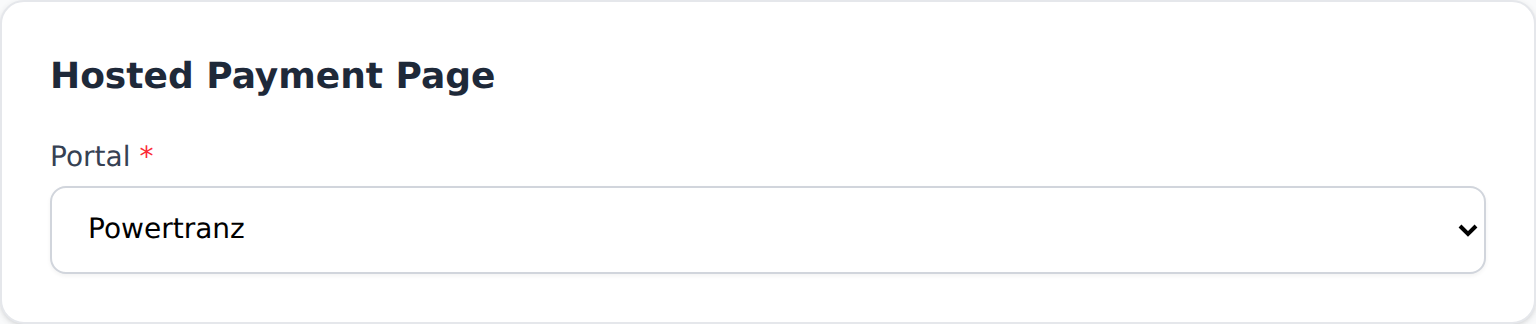
Do not add PTZ/ yourself
For a Powertranz portal profile, Genius Checkout adds the required PTZ/ PageSet prefix automatically. Paste only the PageSet shown in the portal. FAC portal PageSets are sent unchanged.
HPP behavior
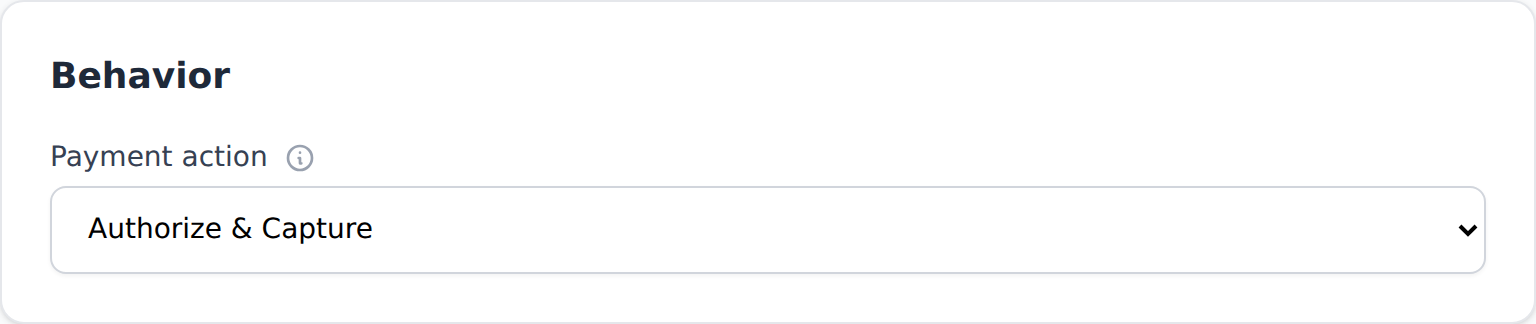
- Authorize & Capture initiates the hosted Sale flow and completes the charge after the buyer returns.
- Authorize Only initiates the hosted Auth flow; capture or void it later.
- Enable 3D Secure should remain enabled when the processor has provisioned 3-D Secure for the merchant.
- HPP does not provide saved-card or subscription tokenization through the current Genius Checkout integration.
Feature-provisioning checklist
Credentials authenticate the merchant but do not prove every feature is enabled. Ask the provider to confirm:
- Test and Live Powertranz IDs and Processing Passwords
- Approved currencies and card brands
- Sale, Auth, Capture, Void, Refund, and partial refund
- 3-D Secure
- Fraud screening, if enabled
- AVS, if enabled
- Tokenization and card-on-file processing for Direct subscriptions
- Hosted Payment Page service, PageSet, PageName, and portal type for HPP
- The authorization validity window and settlement schedule
Test and go live
- Configure only the Test environment first.
- Save and click Test Connection.
- Process an approved and a declined test card.
- Test 3-D Secure frictionless and challenge scenarios if enabled.
- If using Authorize Only, test capture and void.
- Test a refund against a captured transaction.
- For HPP, confirm the hosted page opens, displays the correct merchant branding, and returns to Genius Checkout.
- Add the separate Live credentials, currencies, and Live HPP values.
- Test the Live connection.
- Process a low-value real payment, then confirm it in the Powertranz/FAC portal and settlement report.
Troubleshooting
| Symptom | Check |
|---|---|
| Authentication failed | Merchant ID and Processing Password must belong to the same environment. |
| Missing route / invalid merchant | Live credentials may be hitting Test, or the profile has not been routed for that currency or operation. |
| HPP page not found | Verify PageSet, PageName, environment, and Portal. Do not manually add PTZ/. |
| 3-D Secure page never appears | Confirm 3-D Secure is enabled on the merchant profile and in Genius Checkout. |
| Token is not returned | Confirm tokenization/card-on-file processing is enabled by the provider and Enable Tokenization is on. |
| Authorization cannot be captured | Confirm CAPTURE is provisioned and the authorization has not expired or been voided. |
| Refund fails | Refund only captured transactions; void uncaptured authorizations. Confirm REFUND is enabled. |