
Account Settings
The Settings page is the home for everything about your merchant account itself — business name, contact details, timezone, and a handful of buyer-facing policy toggles. Open it from the left nav under Settings.
You'll need the manage_settings permission to save changes. Other roles see a read-only view.
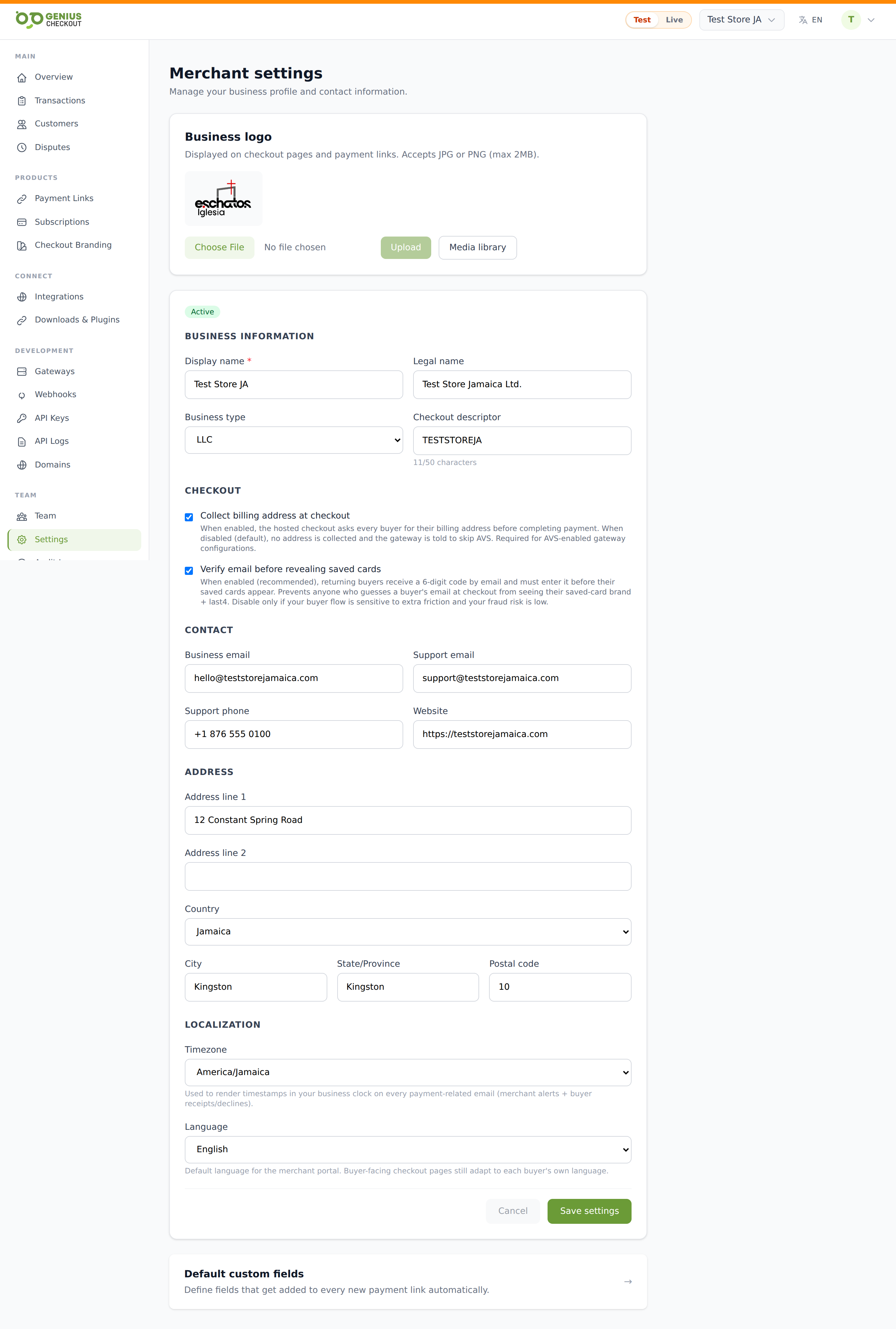
Business identity
The top section captures who your business is:
- Display name — required, max 255 chars. Shown to buyers on checkout and on receipts.
- Legal name — optional. The registered company name for invoicing and compliance.
- Business type — one of: sole proprietor, partnership, LLC, corporation, nonprofit, other.
- Business email — your operational contact address.
- Website — your public URL.
Logo
Upload a logo (JPG or PNG, max 2 MB) used as your portal avatar and as the merchant logo at the top of every checkout. To replace it, pick a new file and save — the old file is deleted from storage.
Contact for buyers
- Support email — shown to buyers when a payment fails and in checkout footers.
- Support phone — optional, also surfaced on checkout failure pages.
The same two fields also appear on Checkout Branding — saving on either page updates the single underlying value.
Address
Street address, city, state, postal code, and Country (two-letter ISO 3166-1). This is your business mailing address — used for receipts and invoicing.
Checkout descriptor
The short text that appears on a buyer's bank statement next to the charge. Max 50 characters. Some gateways further restrict this (e.g. 22 chars for some PowerTranz processors); a too-long descriptor gets truncated.
Timezone
Pick your business timezone from the dropdown. All timestamps in the portal — dashboards, transaction tables, exports — render in this timezone. Change it and the next page load reflects the new locale.
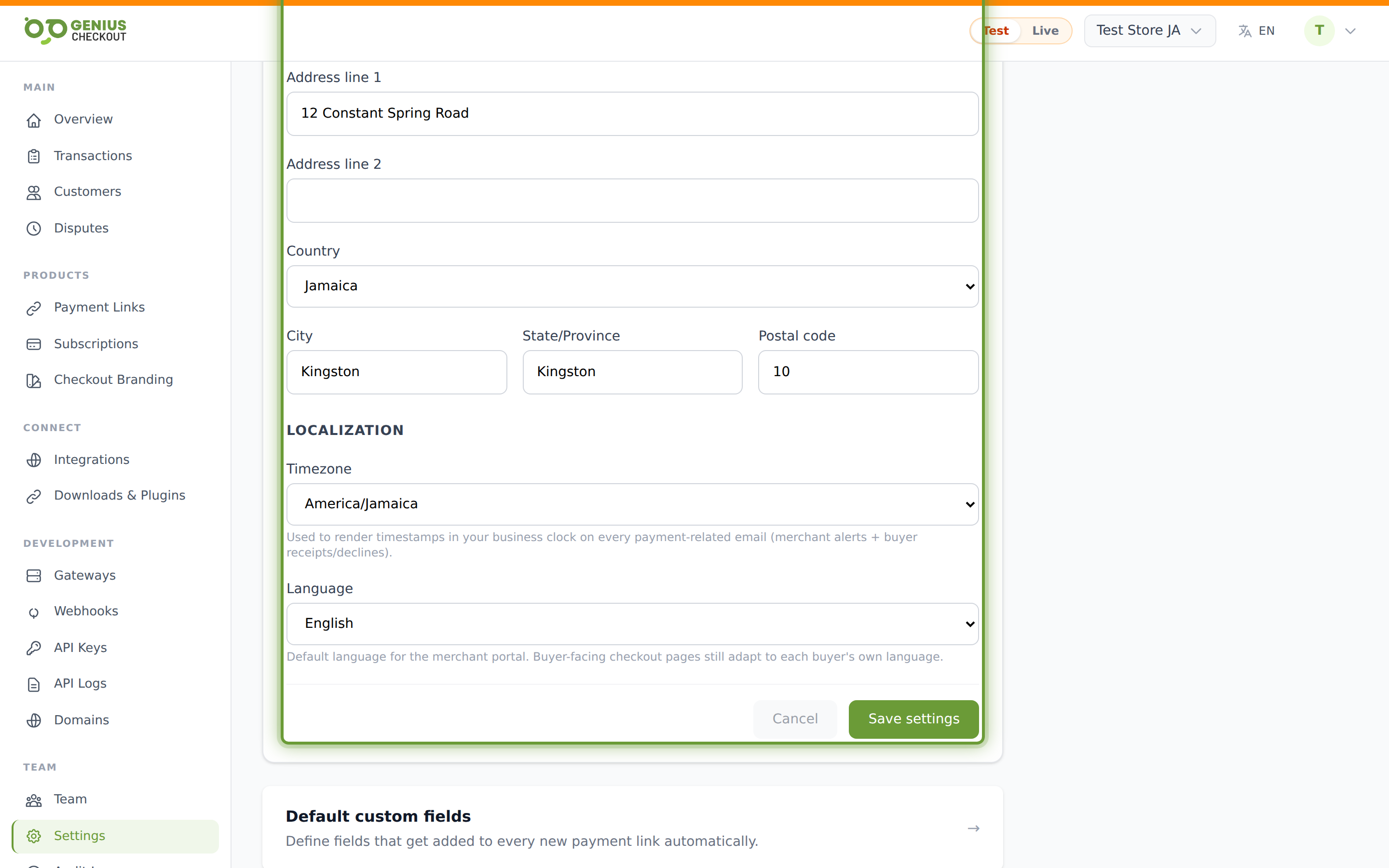
Collect billing address at checkout
A boolean toggle. When ON, every Genius Checkout-hosted checkout page asks the buyer for street, city, state, postal code, and country before the pay button enables. When OFF, the form is shorter and buyers complete checkout faster.
Turning it on helps 3DS-2 challenge approval (issuers use the AVS match to lower friction) but adds friction itself. Most card-present markets in the Caribbean leave it OFF; markets with stricter AVS requirements (US, UK) usually leave it ON.
Require saved-card verification
When ON, every saved-card charge (subscription renewal, one-click checkout) first runs a low-value $0 / $1 verification charge before the real transaction. Catches cancelled cards before you bill the real amount.
Notification preferences
A separate sub-page (linked from the bottom of Settings) controls which transactional emails the portal sends you — failed payments, dunning alerts, weekly summary.
Integrations sub-tab
The Integrations link on the Settings page is shorthand for the Integrations Overview — same destination, same data.