
Ecwid
Connect Ecwid (also branded Lightspeed eCom) so that Genius Checkout appears at storefront checkout and processes cards through your configured gateway.
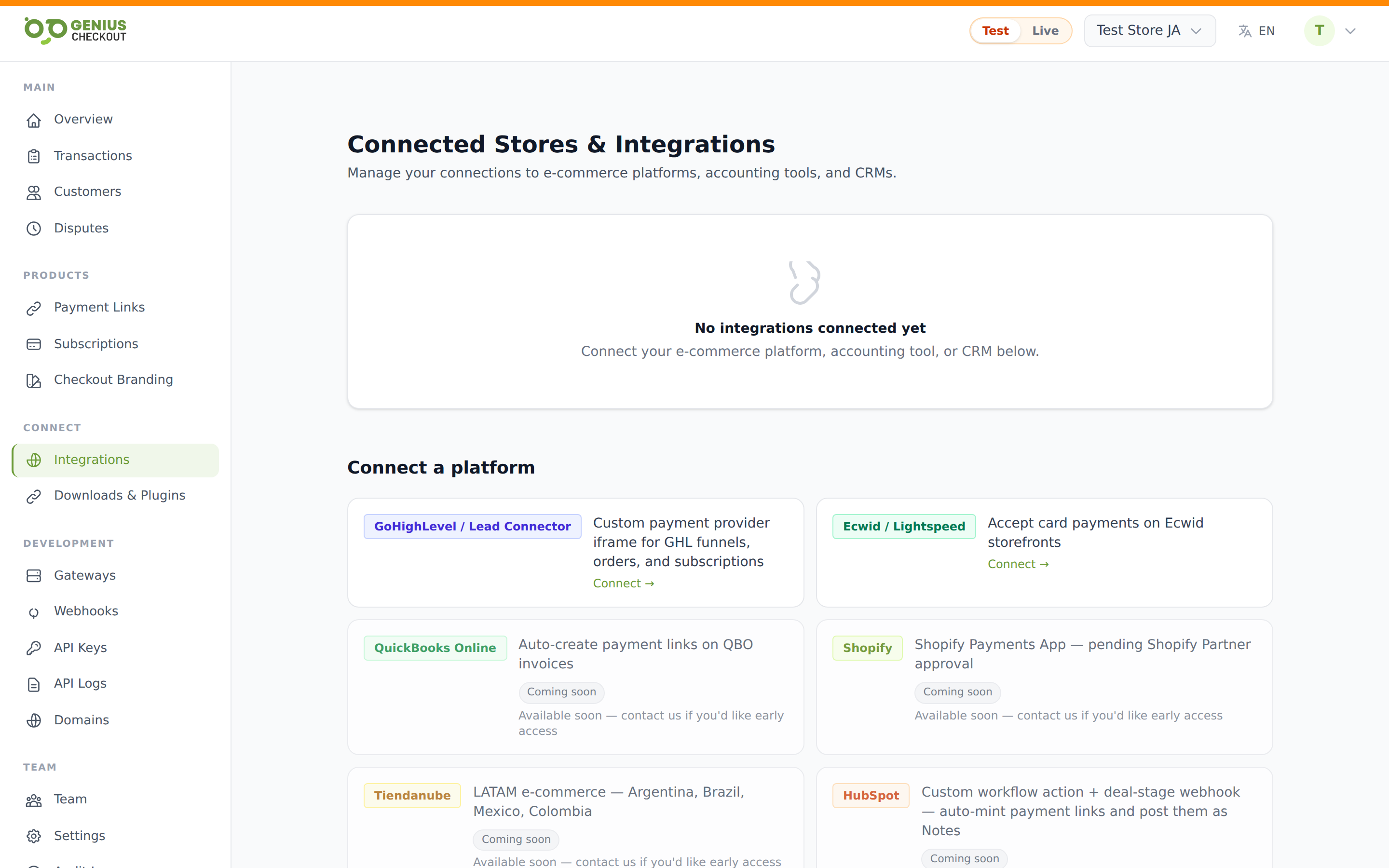
Install via OAuth
From Integrations → Connect a platform, click Ecwid / Lightspeed. You're redirected to Ecwid's OAuth screen — confirm the install. Ecwid bounces you back, and the IntegrationConnection row is created scoped to your Ecwid store ID. A gc_live_… and gc_test_… API key pair is provisioned encrypted on the row.
The connection summary on the Integrations page reads Store {public_token} via oauth.
Activate as a payment provider
Inside the Ecwid control panel, go to Payment and turn on the Genius Checkout option. The Ecwid admin embeds a Genius Checkout settings iframe — the iframe payload carries a fresh access token each load, which we persist back to the connection so the link stays alive even if you've revoked and reinstalled the Ecwid app.
First-time setup
The iframe asks you to paste your gc_live_… API key on first save. This is how Ecwid figures out which Genius Checkout merchant owns the store. Subsequent loads pre-fill the field as a masked hint — leave it blank to keep the current key.
The iframe also exposes a Use test mode checkbox. When ON, Ecwid checkout will use your gc_test_… key against your sandbox gateway credentials — handy for verifying the integration without taking a real card.
How orders flow
- Buyer hits the Ecwid storefront and adds items to cart.
- At checkout, they pick Genius Checkout as the payment method.
- Ecwid posts the order payload to our payment handler.
- We host the card form, charge through your gateway, and post the result back to Ecwid.
- Ecwid marks the order Paid and emails the buyer.
Refunds
Refunds you issue from the Ecwid order screen route back through our refund handler and call the original gateway. The handler also marks the refund "manual" if for some reason it can't reach the gateway, so you can reconcile by hand if needed. Refunds issued from Genius Checkout's transactions screen also push back to Ecwid so the order status reflects the refund.
Settings on the GC side
The detail page's Settings panel for Ecwid is intentionally empty — there's nothing to configure on the Genius Checkout side. All per-store behaviour lives inside the in-admin Ecwid iframe.
Disconnecting
Use Disconnect on the integration detail page to stop accepting new Ecwid orders. The stored access token is invalidated. Remove hard-deletes the connection — reinstall from the Ecwid Apps catalog to reconnect.