
Customer-entered amount link
Use this pattern when the buyer decides the amount. Common scenarios: charity donations, content creator tips, "name your price" sales, suggested donations with a floor.
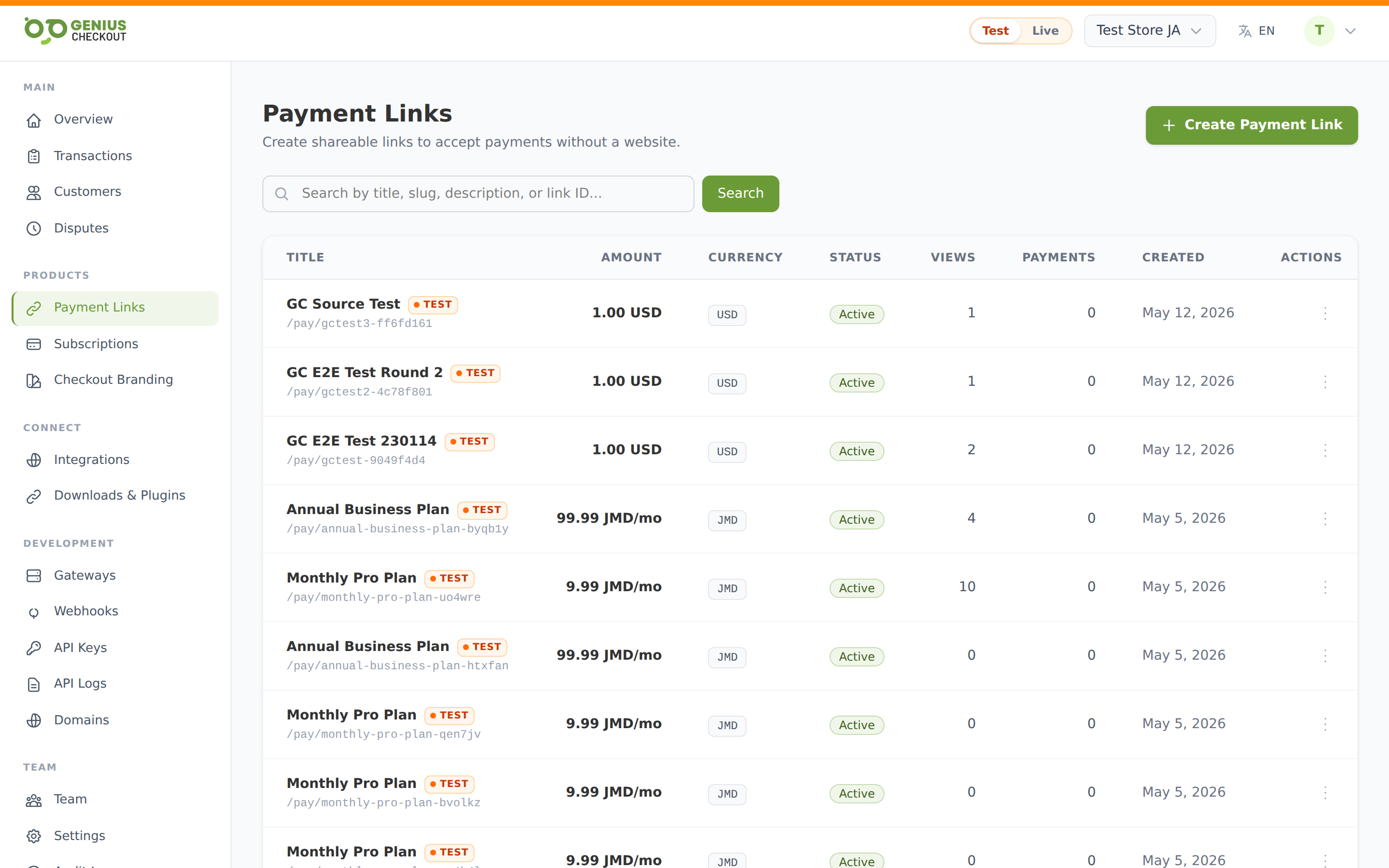
Create one
From Payment Links, click Create payment link.
- Title and Description — explain what the buyer is paying for (e.g. "Donate to our scholarship fund").
- Amount type — pick Customer enters amount.
- Minimum amount (optional) — floor on what they can submit. Leave empty for no minimum.
- Maximum amount (optional) — ceiling. Useful for tip jars where you don't want accidental five-figure mistypes.
- Currency — primary currency of the link.
- Click Create link.
When to use this vs. fixed amount
| Scenario | Pattern |
|---|---|
| Selling a specific product, ticket, or invoice for a known price | Fixed amount |
| Accepting donations | Customer-entered, no max |
| Tip jar | Customer-entered, small max (e.g. $100) |
| "Pay what feels fair" | Customer-entered, with a min so you don't get spam $0.01 charges |
| Suggested donation tiers | Use a fixed-amount link per tier — or wait for preset-amounts support |
Set a sensible minimum
A min_amount of at least the equivalent of $1 USD blocks accidental zero-dollar attempts and reduces fraud-testing card probes. Most gateways won't authorise less than $0.50 anyway.
What buyers see
The buyer's checkout page renders an amount input pre-filled with the minimum (if you set one). The input enforces your min/max client-side and the server validates again on submission. Everything else — card form, success/failure URLs, custom fields — works exactly the same as a fixed-amount link.
Tracking what people paid
Each accepted payment shows up on the link's detail page under Recent sessions, including the exact amount each buyer entered. The Total collected widget breaks out totals per currency.
Next step
Add custom fields → — collect the donor's name, message, or mailing address alongside the payment.